
How do I download reports that show all program leaders for NAMI signature programs in 720?
While logged into NAMI 720, select “Reports” at the top navigation bar
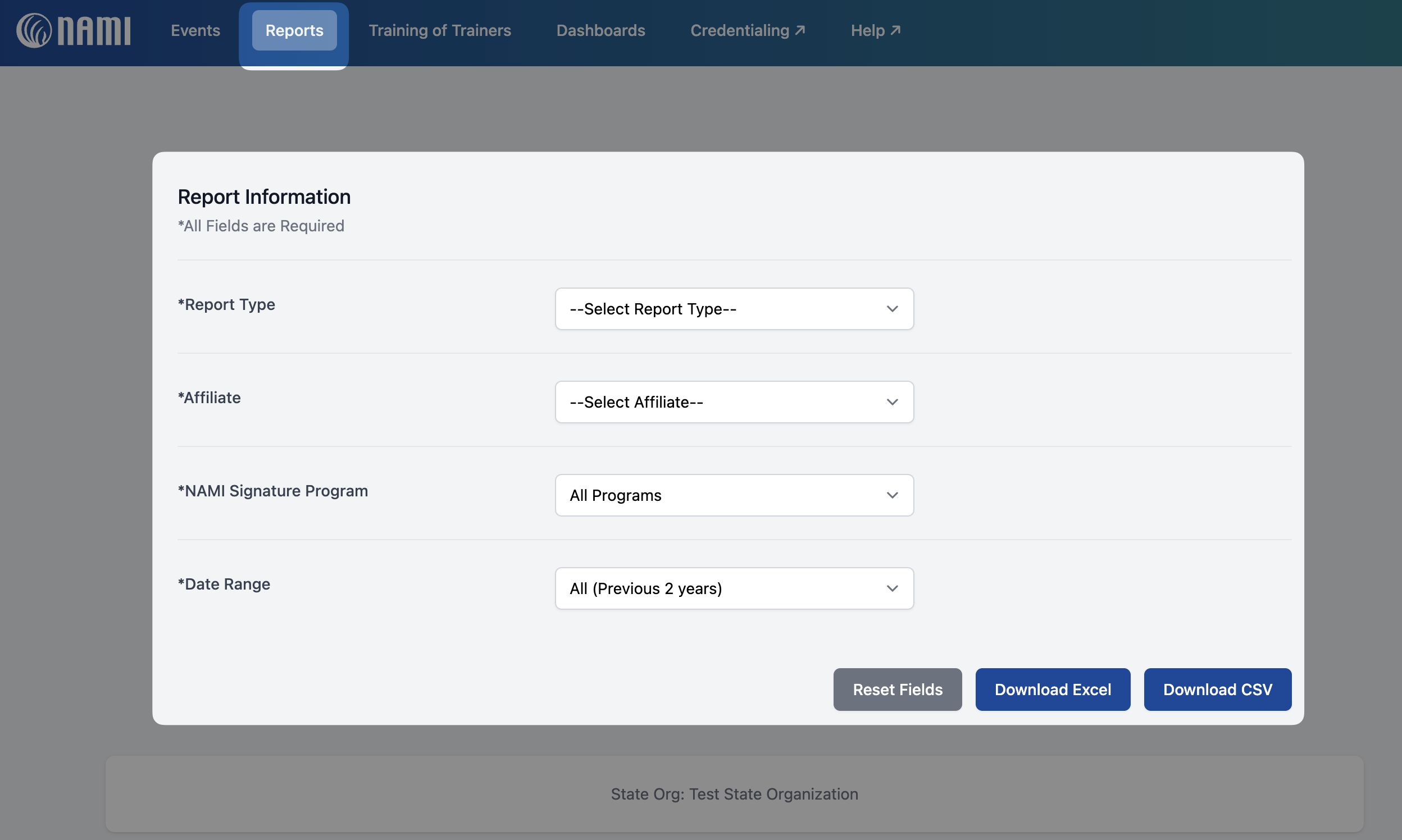
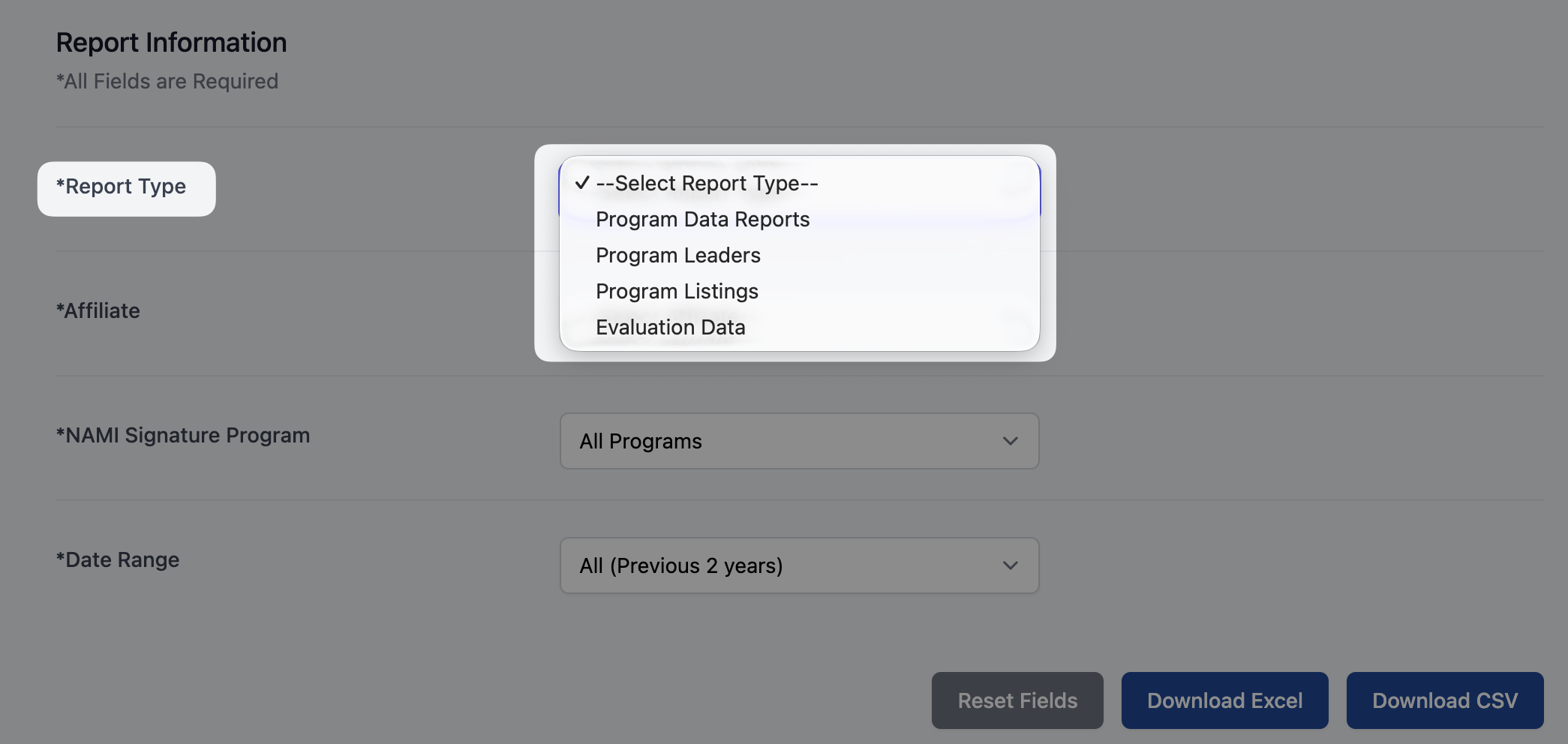
To retrieve data from evaluations collected for your event listings, select the following from the dropdown lists provided:
- Report Type:
-
Program Leaders
-
- Affiliate:
- If you are a state org user you will be able to select your state or any of the affiliates within your state
- If you are a local affiliate user you will only be able to access your affiliate
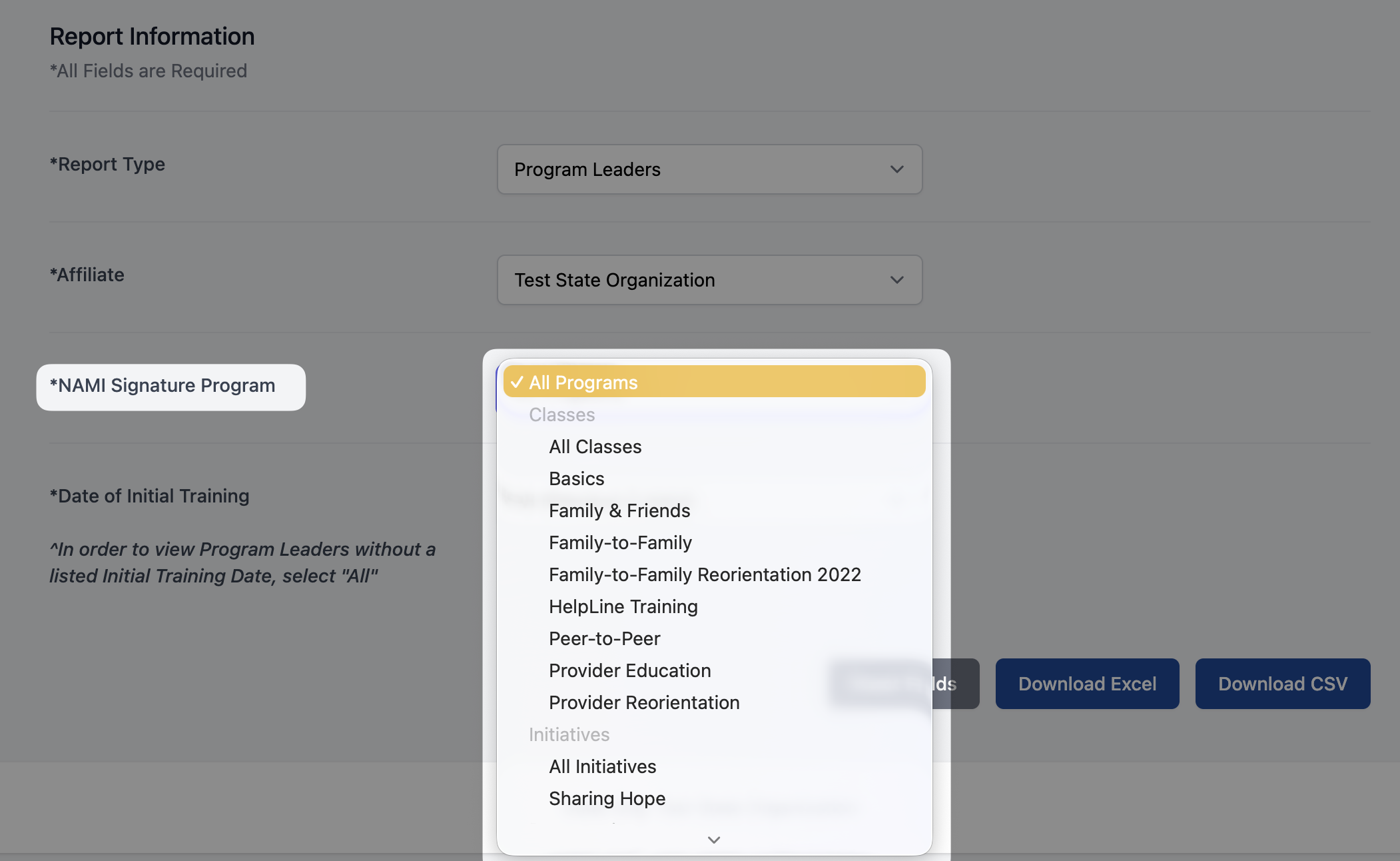
- NAMI Signature Program:
-
You will be able to select "All Programs" or from the dropdown list of NAMI Classes, Initiatives, Presentations, or Support Groups
-
- Date of Initial Training:
- You will be able to select from the following options:
- All (previous 2 years) or Spring 2025 when downloading evaluation data reports
- Previous 30 Days
- Previous 90 Days
- Previous 365 Days
- Custom
-
Please Note: In order to view program leaders without a listed "Initial Training Date", please select "All"
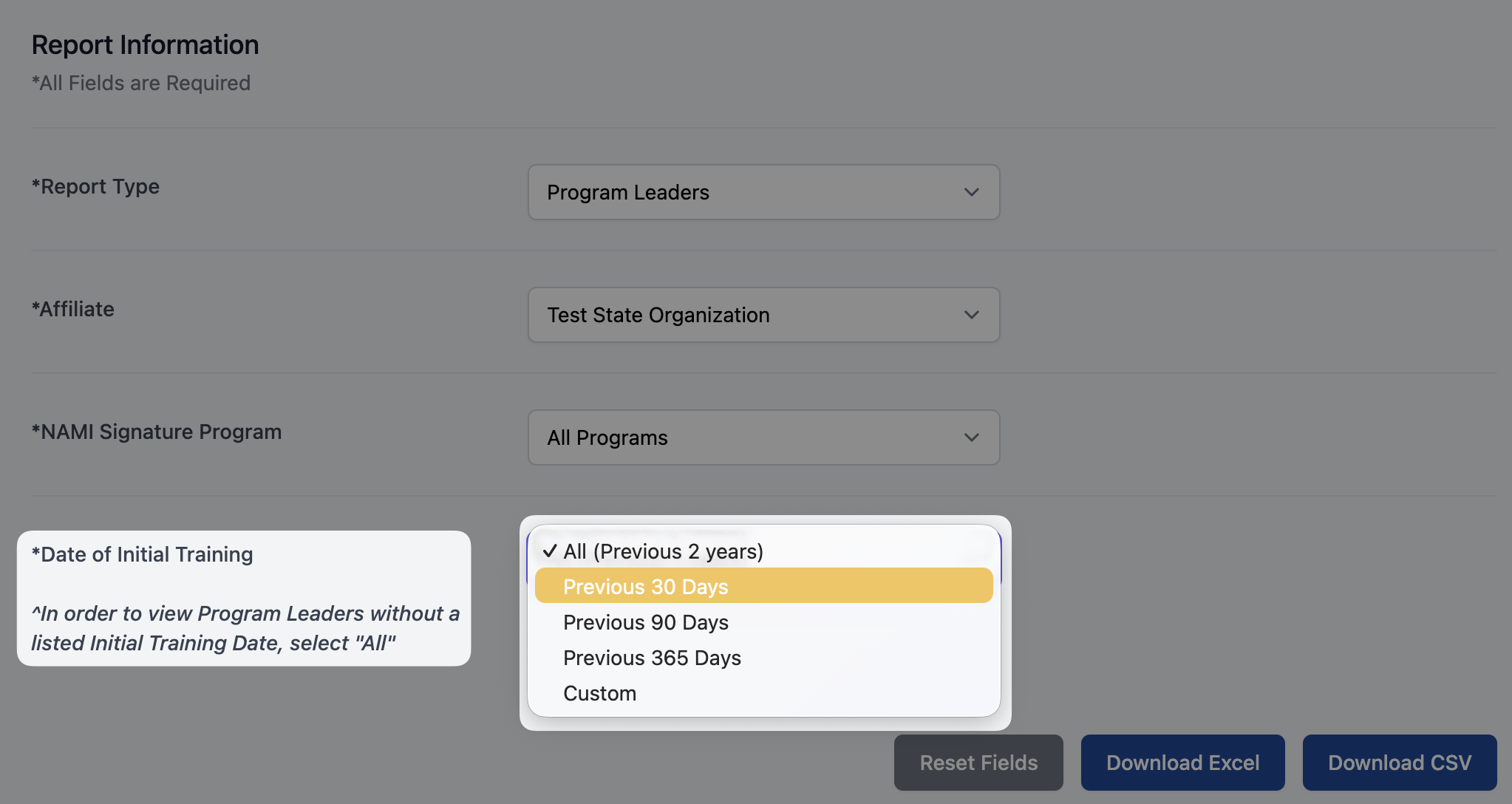
- You will be able to select from the following options:
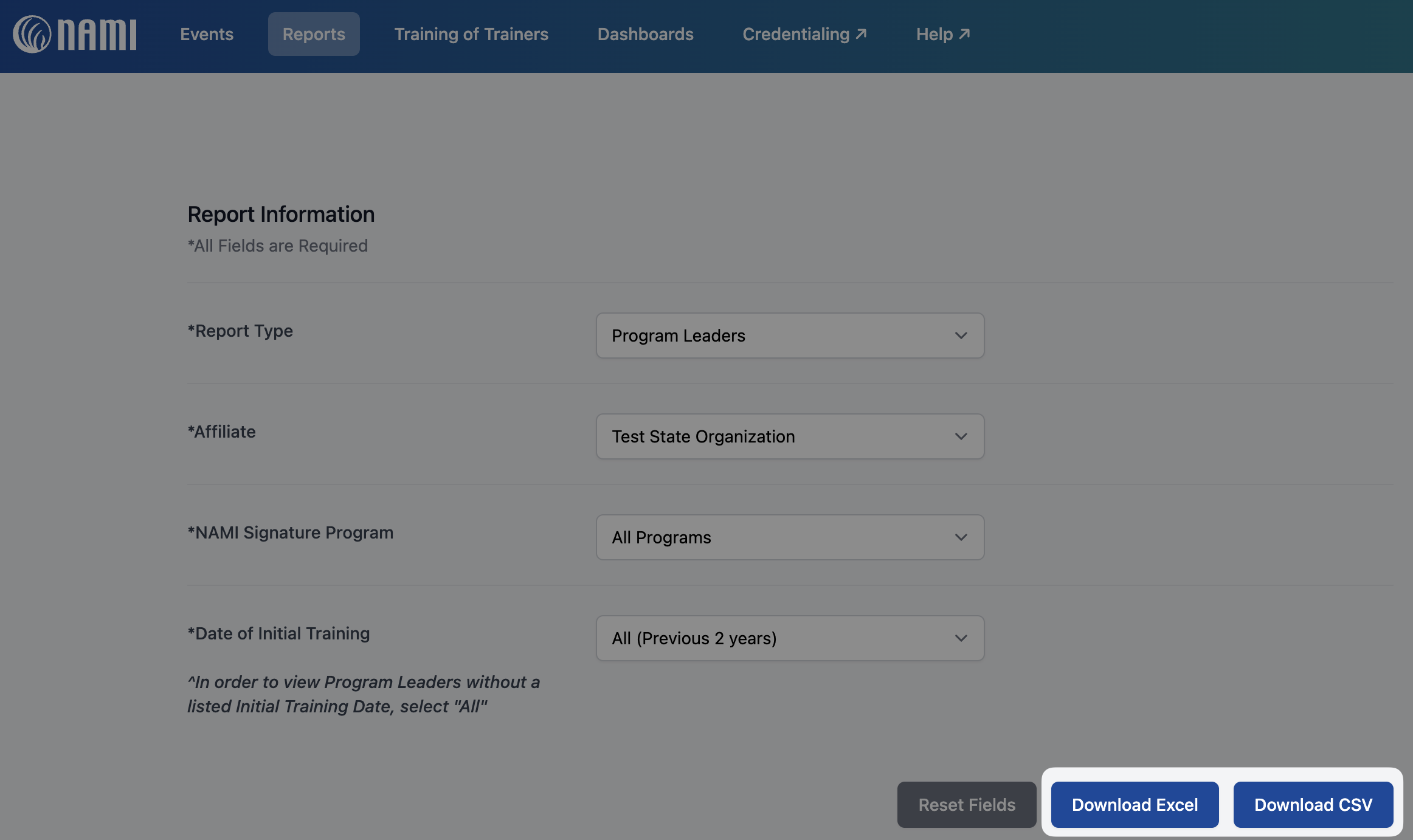
After selecting your preferences, select Download Excel or Download CSV to download the report directly to your computer.
Please Note: If you are needing to download any other program leader reports not available here, please reach out to success@nami.org for support.